
Every screen is now an IT asset in Schools


The role of AV in schools has changed considerably over the past decade.
An interactive whiteboard was once little more than a display connected to a teacher’s computer, with the computer handling the operating system, network connection and user account while the screen itself had very little intelligence.
Today’s AV environment looks very different, however. Interactive displays can run Android or Windows, connect directly to school networks, support browsers and applications, and receive firmware updates.
Digital signage is often managed remotely through content management systems, room booking panels can connect to calendars and identity platforms, and wireless presentation systems exchange content with other devices across the network. Video conferencing systems add another layer again, bringing together cameras, microphones, software, firmware and network connectivity.
Although these technologies may have entered the school through AV projects, classroom upgrades or building fit outs, many now behave much more like traditional IT endpoints. The challenge is that they are not always managed with the same visibility or controls as the laptops, desktops and mobile devices already sitting within the IT estate.
A managed laptop, for example, is generally recorded in an asset register, centrally patched, associated with a user or owner and protected through established endpoint and identity controls. Its lifecycle is usually understood from the outset, including when it will be reviewed or replaced.

Connected AV, on the other hand, does not always sit within those same processes. A display might exist in a purchase order or an installer’s spreadsheet rather than the school’s central asset register, making it harder for IT teams to know exactly what is deployed across the campus.
Firmware updates may require manual intervention, administrator accounts can remain unchanged after installation, and some platforms do not support the same endpoint protection or identity controls available on a standard computer.
That difference becomes more important because AV equipment is typically expected to remain in service for much longer. While a laptop may be replaced every three or four years, a classroom display can remain in use for eight or ten.
Over that period, firmware support can end, operating systems can fall behind, and security requirements can change, even though the display itself continues to work perfectly well.
This is where visibility and ownership become particularly important. The concern is not that every connected display represents an immediate security problem, but that AV can become one of the less visible parts of the technology environment, especially when responsibility is shared between IT, facilities teams, external integrators and the people using the room.
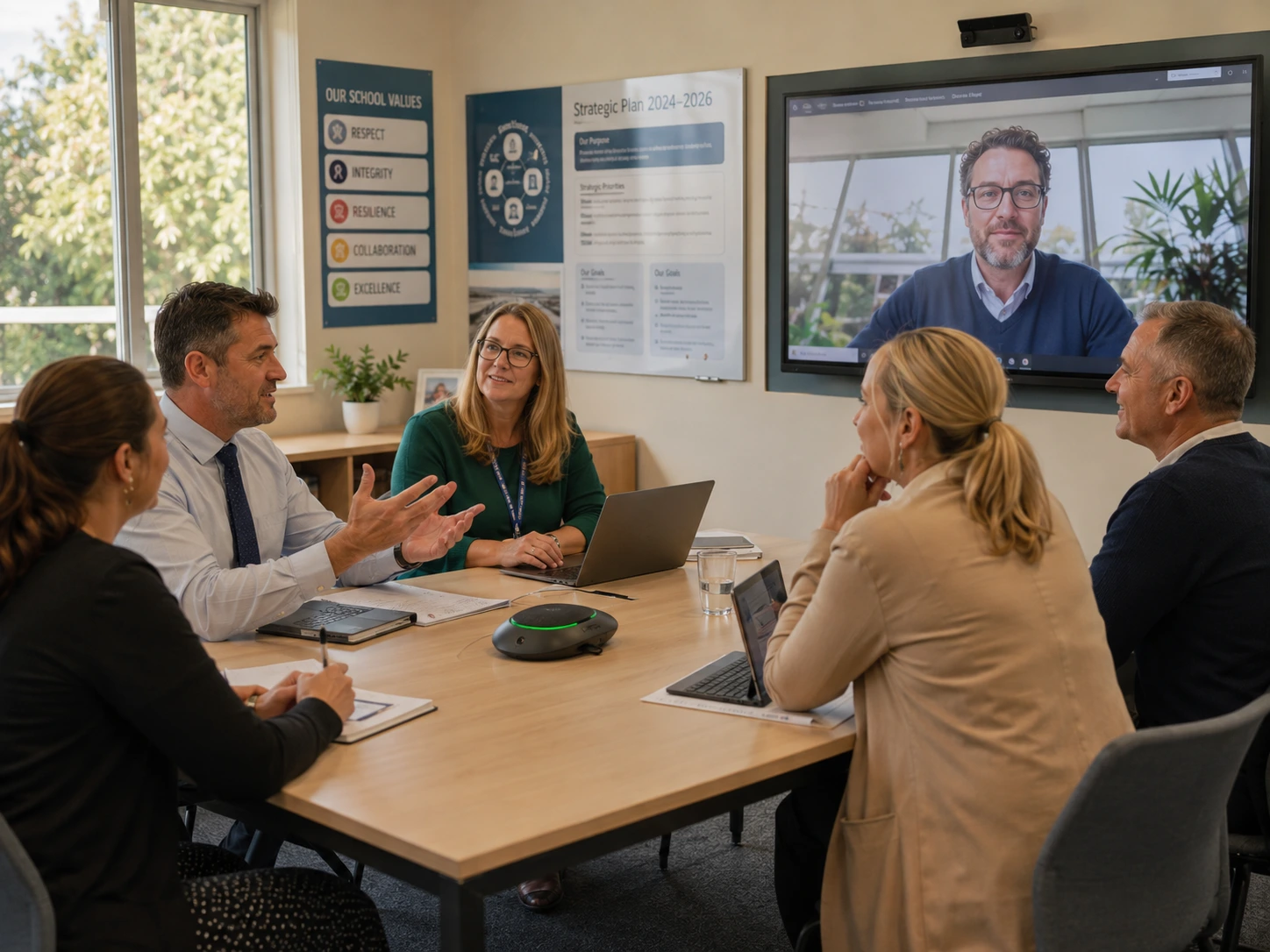
Without clear ownership, even routine maintenance becomes more difficult. If a manufacturer releases a security update several years after installation, someone needs to know which models are affected, where they are located, whether the update applies and how it can be deployed without disrupting teaching.
The same principle applies to administrator credentials, network access and supplier changes. Controls that were appropriate when the system was installed may not remain appropriate throughout its lifecycle.
Individually, an outdated firmware version or unchanged administrator password may not create an immediate incident. Over time, however, gaps like these can make the AV environment increasingly difficult to understand and manage, particularly when an issue does arise.
For most schools, the practical starting point is therefore visibility. IT teams need a reliable view of what connected AV equipment is deployed, where it is located, which software or firmware it is running, what network it sits on and whether the manufacturer still supports it. That information is much more useful when it is accompanied by clear ownership, so there is no ambiguity about who is responsible for maintaining the device.
Once that visibility exists, schools can apply appropriate controls based on how the technology is used. Network segmentation, for example, can limit unnecessary access between AV equipment and other systems, but it needs to preserve functions such as casting, device discovery and classroom collaboration. Security controls that significantly interfere with teaching are unlikely to remain effective in practice.
Procurement also provides an opportunity to reduce complexity before equipment enters the environment. Because connected AV may remain in service for close to a decade, schools should understand how long a manufacturer will provide security updates, whether firmware can be managed centrally, how vulnerabilities are communicated, what network access a device requires and what happens when support eventually ends.
Asking those questions during procurement gives IT teams a much clearer picture of how manageable the technology will be throughout its lifecycle.
That does not mean older equipment automatically needs to be replaced. A device that remains appropriately segmented, uses managed credentials and sits within an acceptable support position may continue to serve the school well.
The objective is not to treat every display as a security problem, but to make sure its place within the wider technology environment is understood.
Ultimately, connected AV is becoming part of the broader IT estate whether schools formally classify it that way or not. The same principles already used to manage laptops and other endpoints, including asset visibility, ownership, access control, support and lifecycle planning, can increasingly be applied to displays, panels and collaboration devices. Doing so gives IT teams a more complete view of the technology operating across classrooms and shared spaces and makes that environment easier to manage over time.

Let’s connect
Get in touch with one of our consultants and find out how we can help you create your hybrid workplace.
News & Events
Keep up to date
-
14 Oct
Ricoh and ETRIA launch “Circular New,” a manufacturing concept, turning resource circulation into competitive advantage
-
22 Sep
Ricoh Named Among the Financial Times' “Best Employers Asia-Pacific 2026”
-
18 Sep
Ricoh to construct new manufacturing facility in Japan to accelerate growth of its inkjet business
-
14 Sep
Ricoh invests in the next generation of print professionals through Holmesglen Institute partnership